
Find your Employment Hero Payroll API key
To connect Employment Hero Payroll, Worksauce needs your API key. You copy it from Employment Hero and paste it into Worksauce, which stores it securely.
Copy your API key
Section titled “Copy your API key”-
Go to keypay.yourpayroll.com.au and log in.
-
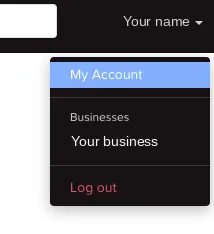
Click your name in the top-right corner, then click My Account.
-
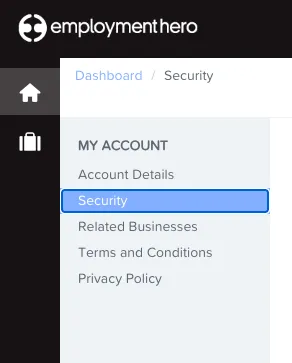
Click Security in the left-hand menu.
-
Scroll to the bottom of the page to the API key field. Click the copy button, circled below. That copies the key.

-
Go back to Worksauce and paste the key where it asks for your payroll API key. Then choose your business from the list.